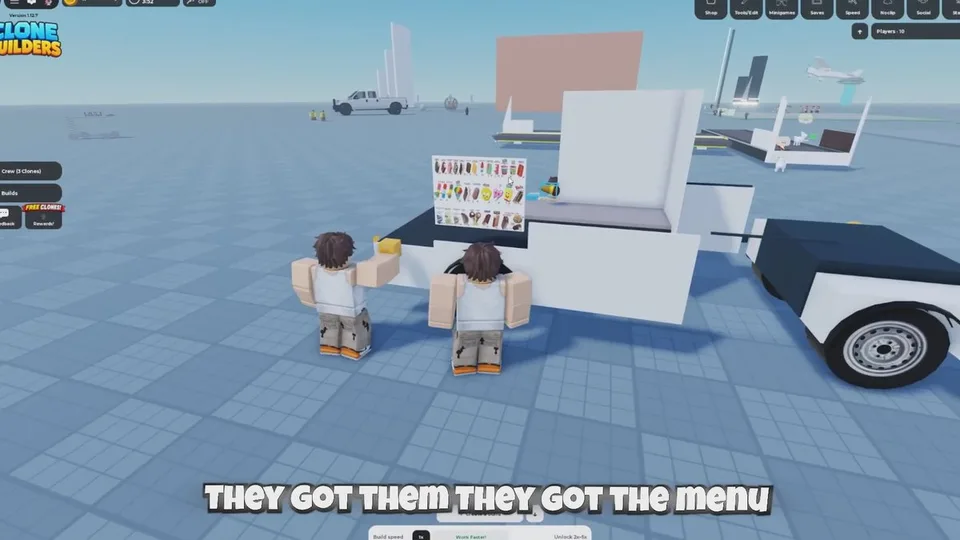
Progress lives in the crew window, not in a separate timer. There is no published minutes-per-build rate.
What the window shows
- A line per worker, such as CLONE 1: BUILDING. BUILDING is the only crew-window label that walkthroughs document. Other words you see should be read from your screen, not assumed.
- A live counter: percentage plus pieces placed out of that model's total. The sample
0% – 0/176 piecesclimbed as parts went in. An Eiffel Tower session was read at about 47–48%, described as nearly halfway, then later as about 20% remaining. - Clones fetch and place parts until the structure is done. Speech lines observed in one session include "One piece at a time, boss" and "Careful, boss. These are my favorites!" Those are flavor lines from that session, not a full dialogue list.
The counter does not estimate time left. It also does not list a reward at 100%.
The completion banner
When the model finishes, a banner at the top names the creation and marks it complete. One example is Small Thomas the tank engine complete! Another walkthrough describes a complete! banner plus the prompt. Use the banner you see. It confirms the project is done. It is not described as an automatic save. Saving is a separate HUD control. See HUD tools.
Started, partial, or interrupted attempts do not count as completed builds. The Finished 10 Builds! badge asks for ten entire builds completed by your clones.
Confirm the badges
Three badges are documented as of a September 26, 2026 checklist:
| Badge | What it tracks |
|---|---|
| Finished a build! | One project carried through to a completed build |
| 1 Hour Playtime! | One total hour in the experience |
| Finished 10 Builds! | Ten entire completed builds |
Confirm them on your Roblox badge list for this experience. A personal tally is only your notes. Playtime and completion are separate, so finishing a build does not prove the hour badge. A longer playtime badge has been mentioned without a confirmed name. Check the live badge list rather than hunting for an unpublished title. Full entries are on the badges page.
After the banner
Walk the full length. Check size, entrances, platforms, connections, and collision. For anything you want other people to play, also test routes and stuck spots before you invite them. See interactive builds.