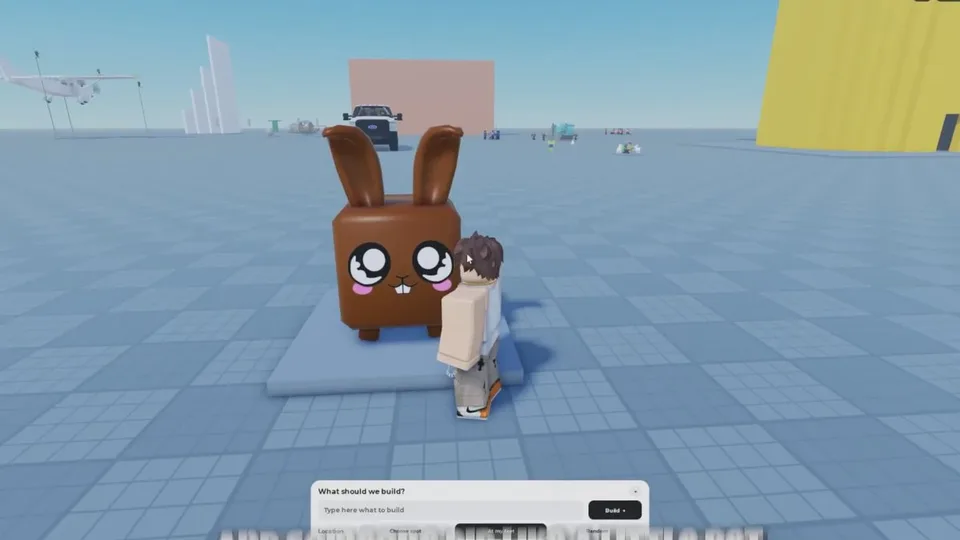
The HUD controls below were listed while a crew was working, in walkthroughs from late September 2026. The list was phrased as controls "such as" this row, so it may not be exhaustive, and names can move after a patch.
What each control is for
| Control | Documented job | What is still unknown |
|---|---|---|
| Speed | Move around large builds faster | The exact speed steps and the toggle |
| Noclip | Fly through your structures | The key or tap that toggles it, and whether it passes through other players' builds |
| Tools/Edit | Edit parts | Which properties you can change, and whether it works the same after completion |
| Minigames | Sits in the same row | What selecting it does |
| Saves | Store completed projects | Slot count, load steps, autosave, and whether saves survive a server change |
Noclip
In one session a player turned noclip on at a gap and crossed it instead of walking around. Use it to inspect interiors and gaps. If you are merely stuck against a wall, try jump and normal movement first so you do not open a second build by accident.
Edit versus the clones
Place, resize, move, and assemble are what the NPC clones do during the job. Tools/Edit is the player's part editor. Opening it is documented. The list of sub-tools inside it is not. Do not expect the button to replay the clone operations.
Mid-build changes that are actually documented are crew changes: Unassign, Deassign, and Deassign all. Those live in the crew window, described in crew and queue.
Saves
Saves is for completed projects, the stage marked by the completion banner. The banner itself is not described as performing the save. Nothing documents an autosave at 100%.
After a build finishes, open Saves and note what the menu offers, then rejoin and see whether the project is still there. Slot limits, how to load a build later, and whether an in-progress edit can be saved are not published. Around any future update, reopen a saved project and check that it still loads. That check is a habit, not a description of a backup menu.