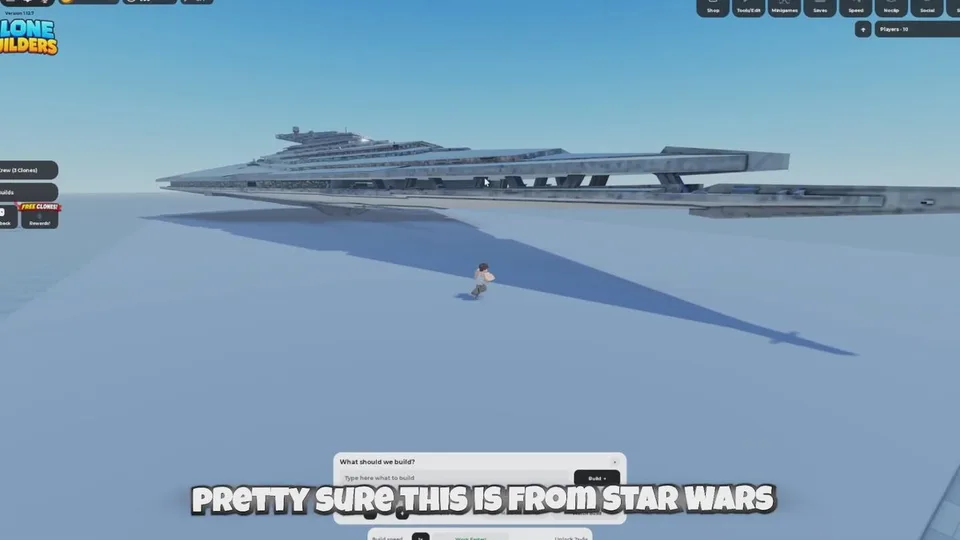
Placement is chosen in the build setup, after the prompt and before the clones assemble anything. There are three Location options. The third label is Random, not a longer name.
The three options
| Option | What it does | Use it when |
|---|---|---|
| Choose spot | You move a placement marker and confirm the point | The build is large, or you need it away from other models |
| At my feet | The build drops where you are standing | You are already on open ground |
| Random | The game picks an open nearby area | You only need any clear patch |
Documented play of manual placement shows the marker being moved, then confirmed. Players put big projects farther away so they would not overlap jets or other builds. One clip includes an X cancel during selection, so the marker step expects an explicit confirm. Those clips show the marker, not which menu row was selected.
How far Random searches, the exact footprint of At my feet, and whether a confirmed build can be moved later are not specified. Recheck the menu if an update renames the rows.
Pick ground the crew can use
Aim for open ground. Avoid tight corners, walls, and spots already filled by another build. Clones need room to move, and you need a camera angle that can see the whole shape. A large model can look unfinished simply because it extends past the camera. Step back, then check the lower sections.
Before you press Build +:
- Look at nearby walls, platforms, and finished models.
- Leave a path so you can walk the result afterward.
- Do not stand in the spot where the workers need to assemble.
- If the last attempt floated, overlapped, or could not be reached, change the site before you repeat the same prompt.
Who lays the foundation is the clones, on a clear surface, after Planning…. You do not place the base parts yourself. Preparing the area means choosing open ground, not building a platform by hand.
Crowded placement makes it hard to tell a collision problem in the model from a collision problem in the surroundings. Diagnose the site before you add another object on top.