Codes
[🛠️] CLONE BUILDERS! codes, how to redeem, and expired lists.
View all CodesType one idea. Three clones build it piece by piece.
[🛠️] CLONE BUILDERS! is an experimental Simulation sandbox on Roblox by Synoptic Interactive. You type what you want, pick a spot, and NPC clones build it with a structured system. The official page states that builds do not use AI. The experience is also a test bed for later clone projects, and it is inspired by Resurrected_Dove's NPC Builders. This wiki walks through the build bar, the default crew of three, progress, boosts, and badges.
Player wiki for the Roblox sandbox where NPC clones build what you type.
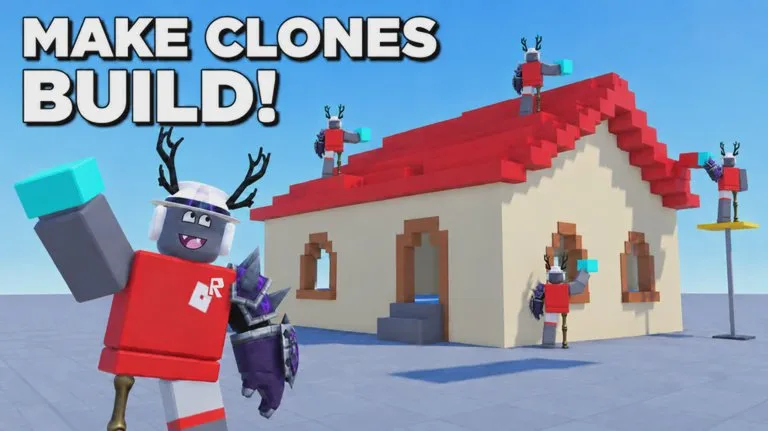
![[🛠️] CLONE BUILDERS! artwork](/media/optimized/c75beb37b539af2a32afa5f3-960.webp)
Open the bottom bar labeled What should we build?, type one clear object, choose Choose spot, At my feet, or Random, leave three clones assigned, and press Build +. The job shows Planning…, then CLONE 1: BUILDING and a rising piece counter. A banner names the creation when it is done. A second job waits on the Queued tab unless you use Queue Jump. Public servers hold 15 players. A private server is what the developer recommends for large builds and minigames.
[🛠️] CLONE BUILDERS! codes, how to redeem, and expired lists.
View all Codes[🛠️] CLONE BUILDERS! walkthroughs and task pages.
View all Guides[🛠️] CLONE BUILDERS! walkthroughs, progression, and practical video tutorials.
View all Video TutorialsS through D rankings for [🛠️] CLONE BUILDERS!.
View all Tier List[🛠️] CLONE BUILDERS! roster hub.
View all Players[🛠️] CLONE BUILDERS! patch notes and listing-checked changes.
View all UpdatesWhat community tools claim to automate in [🛠️] CLONE BUILDERS!, and why this wiki will not host them.
View all Scripts[🛠️] CLONE BUILDERS! database hubs.
View all WikiOfficial game page, group, and this wiki map.
View all LinksThree clones assembling an ice cream truck after the prompt.
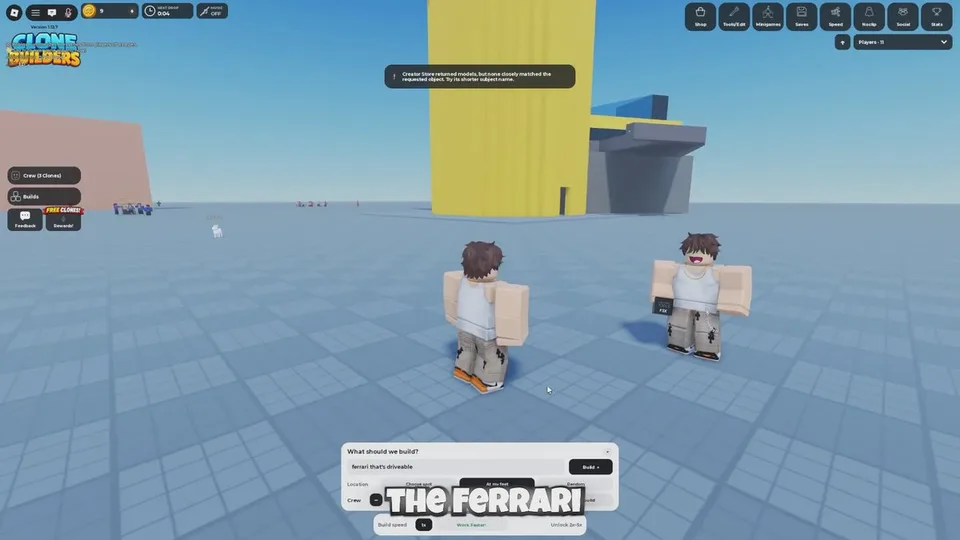
What the Creator Store notice looks like on a brand-name prompt.
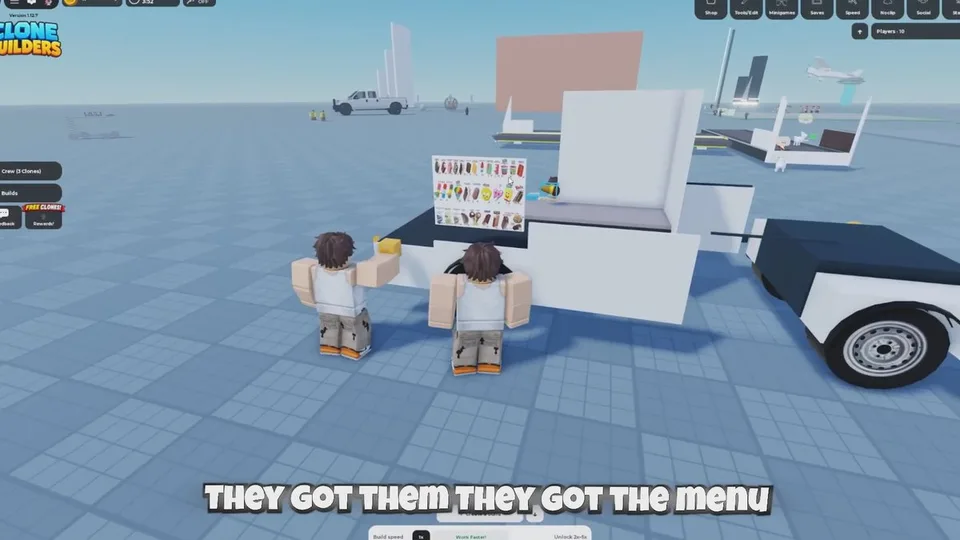
A build part-way through, with the crew still working.
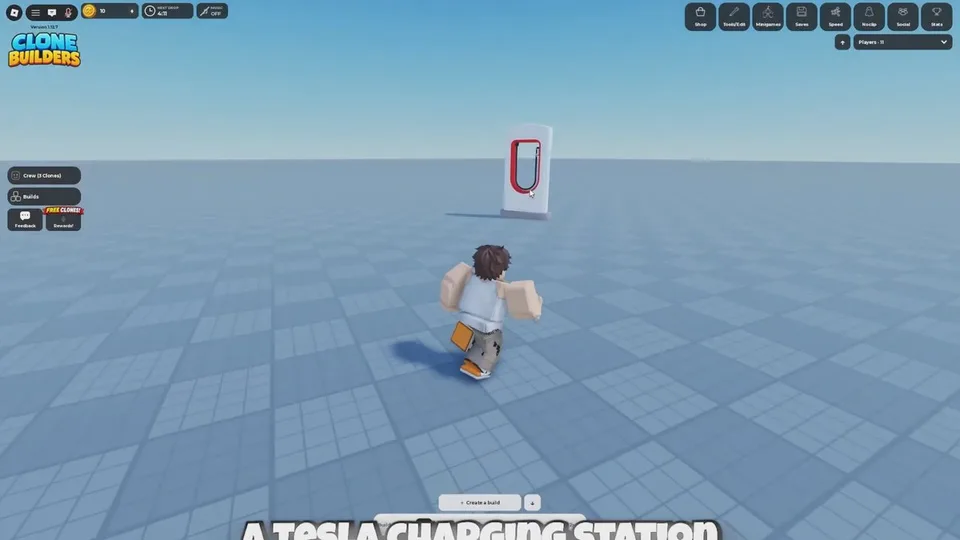
A player-built charger kiosk on the same map.
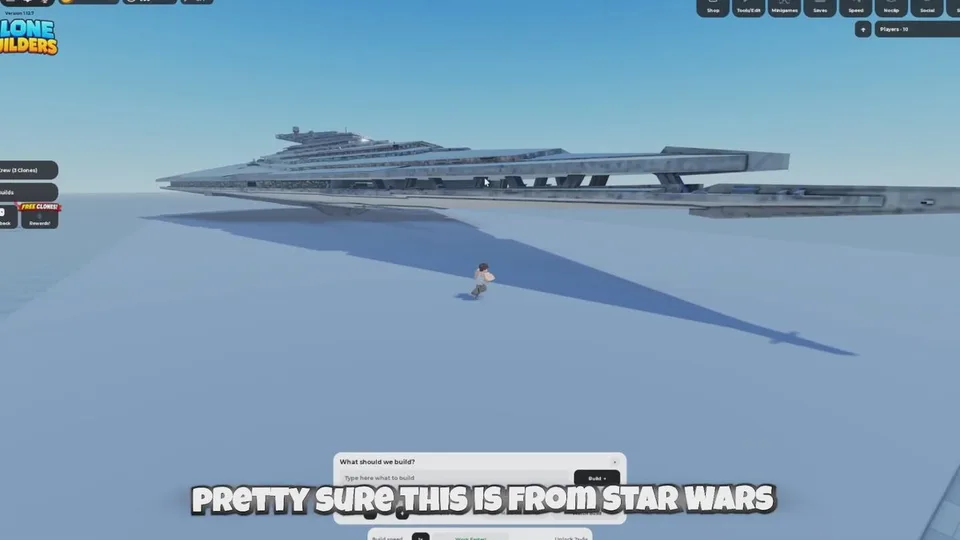
A huge ship over the baseplate, the reason private servers exist.
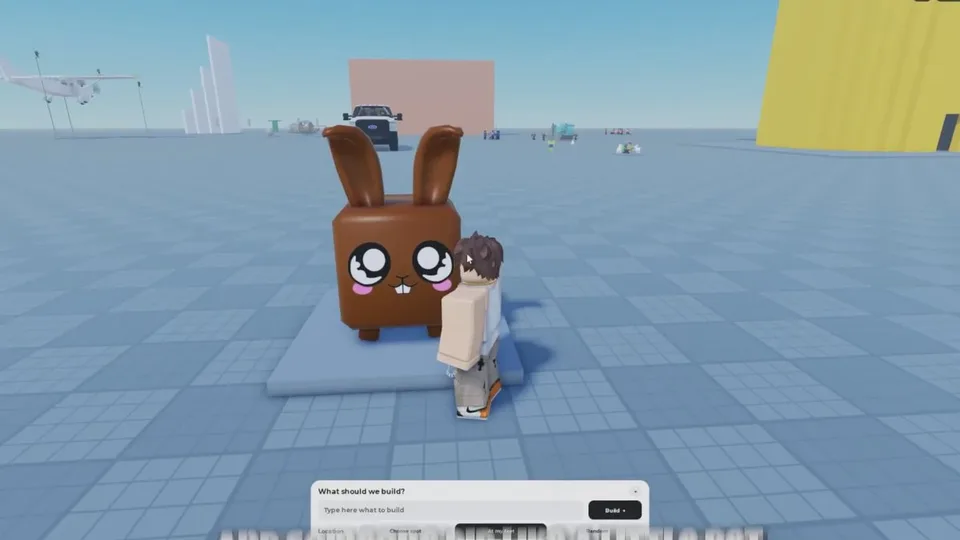
Smaller creations sharing the server with a climbable tower.
Build bar, three clones, Planning…, and the completion banner. Open page
Creator Store errors and size words. Open page
Occupied clones, the Queued tab, and Queue Jump. Open page
The three confirmed milestones. Open page
No confirmed code to redeem. Open page
Three. Change the count with minus and plus, or open More Clones. No maximum or price for extra clones is published.
No code string has been confirmed. The official description does not list a redeem menu, so this wiki does not invent a button path.
No. The official description says Clone Builders does not use AI for builds. NPC clones place, resize, move, and assemble parts with a structured building system.
The usual message is that your clones are occupied. Wait for the current job, free clones from the crew window, or use Queue Jump, listed at 29 Robux in a September 29, 2026 guide.
Models come from the Creator Store. A too-specific brand prompt can return Creator Store returned no models. Try a generic subject such as ice cream truck.
About 15 players. The official page recommends a private server for large-scale builds and minigames.
Start with one small prompt on open ground, then check the first-build guide if the banner or the queue does not match what you expected.